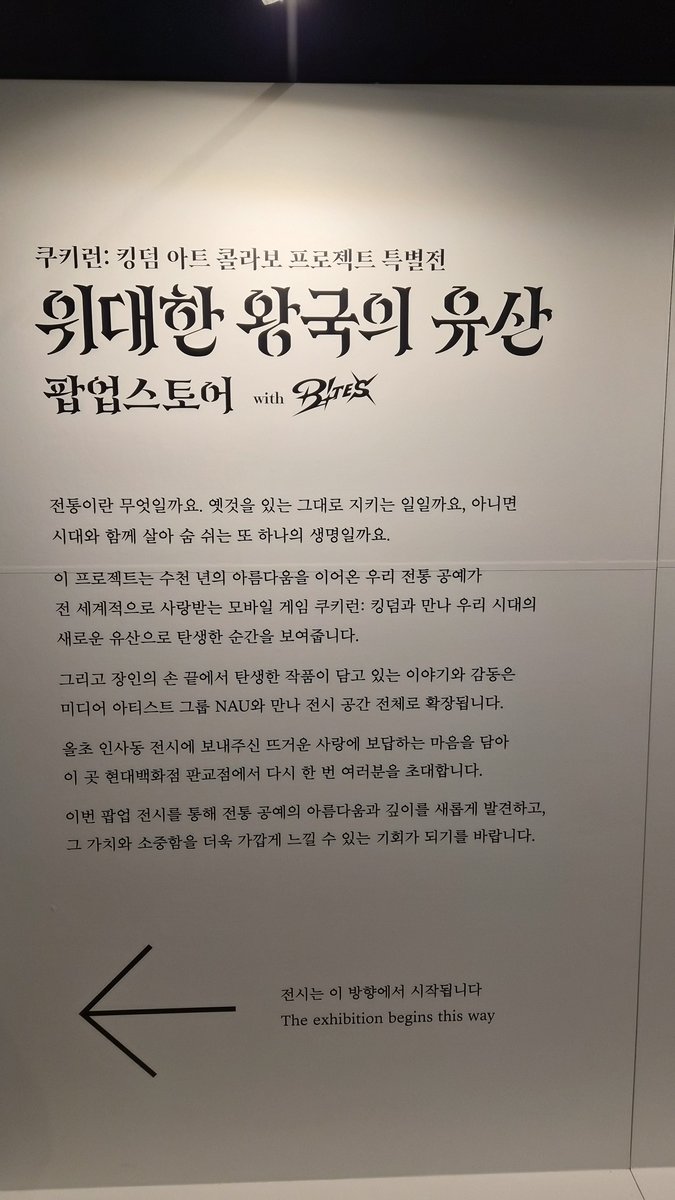
Hello! Today, we are sharing our honest unboxing review of QWERTYKEYS' latest 65% custom mechanical keyboard, the QK65 Mk3, featuring a full photo gallery from package unsealing to desk setup!
1. 🎁 Exciting Unboxing Gallery (Full Photo Flow)
The highly anticipated QK65 Mk3 has finally arrived! Here is the complete unboxing journey in high-res photos.
📦 01. Packaging Box & Dedicated Carrying Case
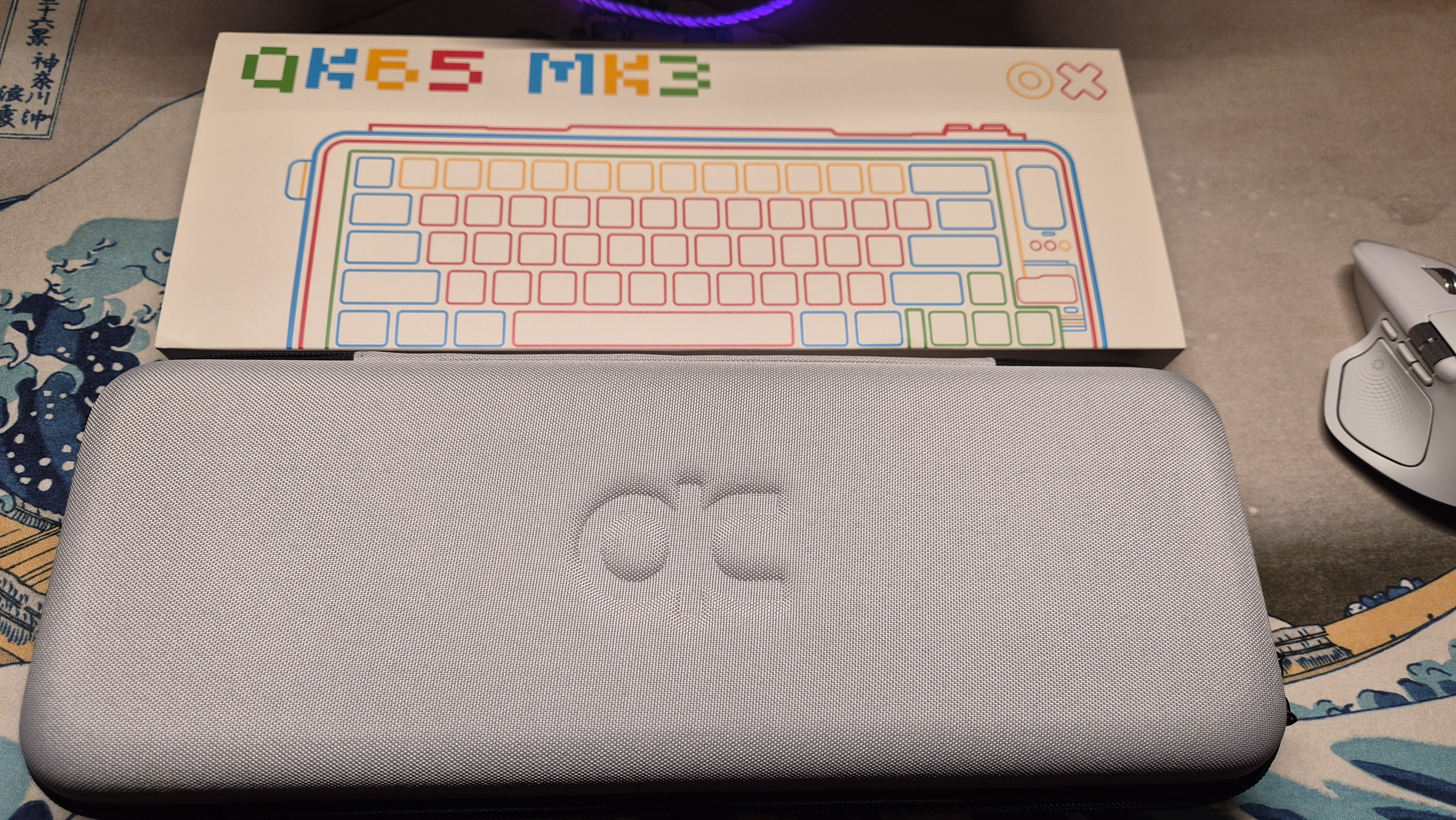
🔓 02. Opening the Case & First Impressions
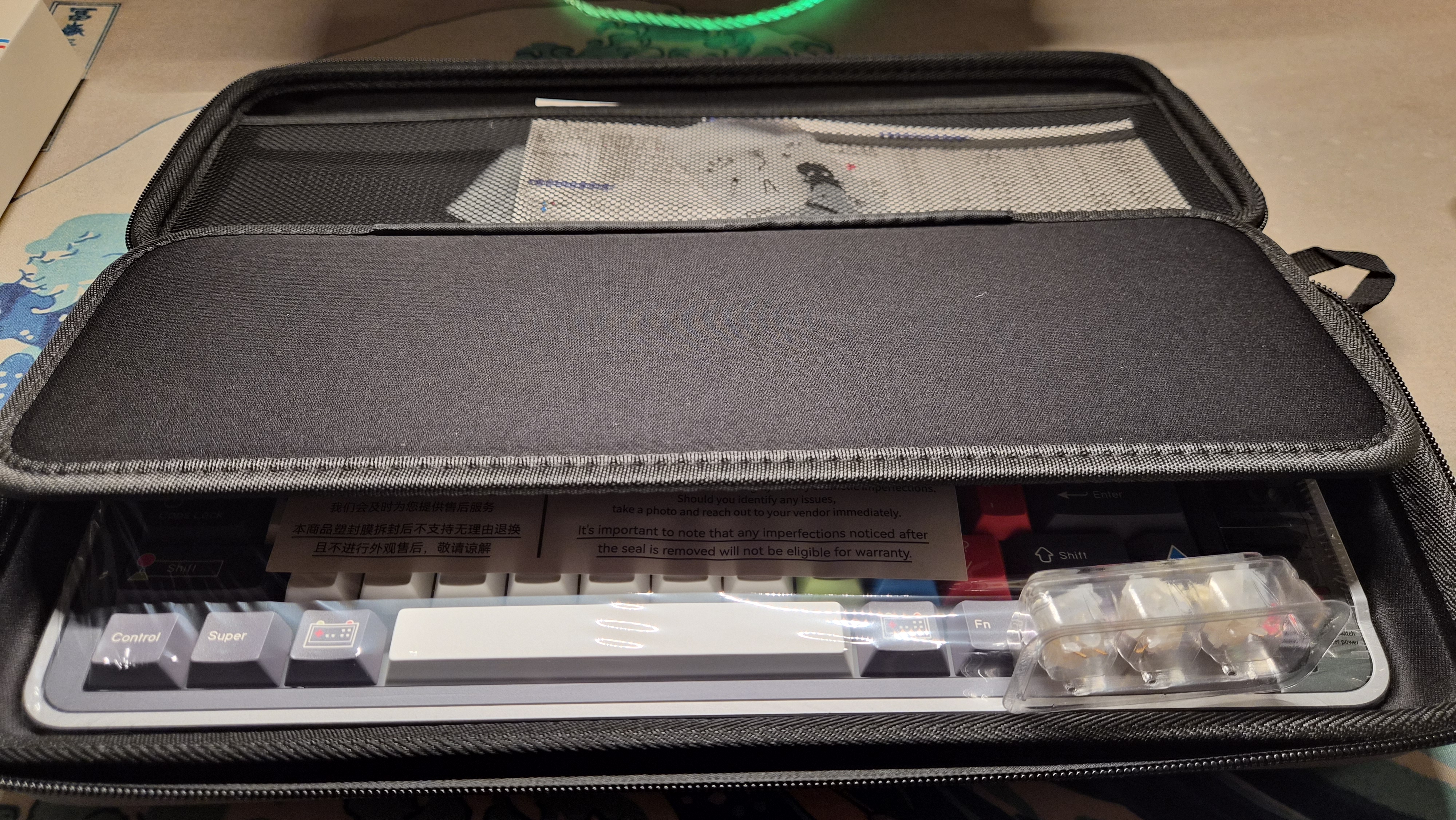
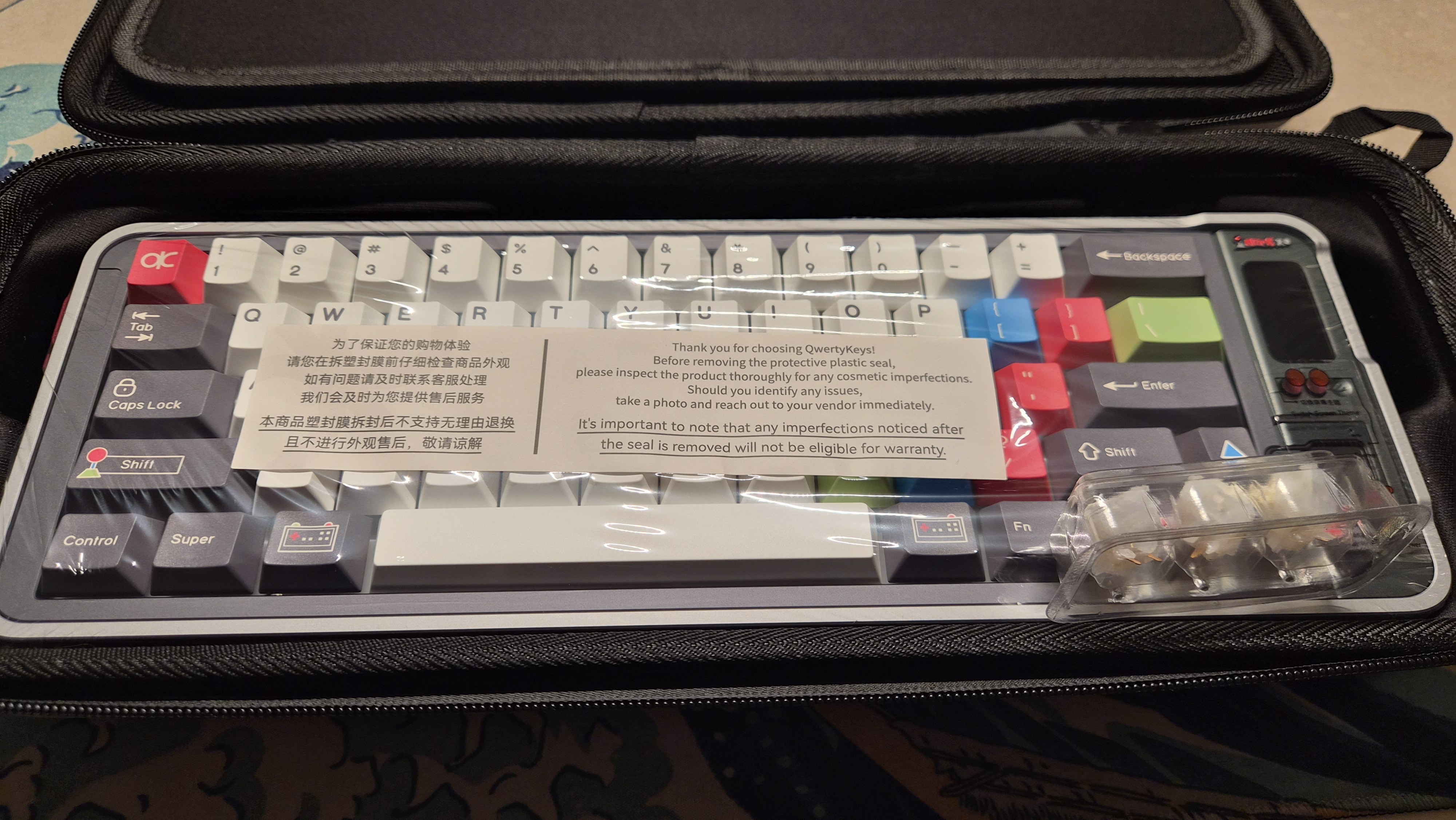
🔍 03. Plastic Wrapping & Inspection Sheet
💻 04. Thoughtful Keycap Extras for Mac Users
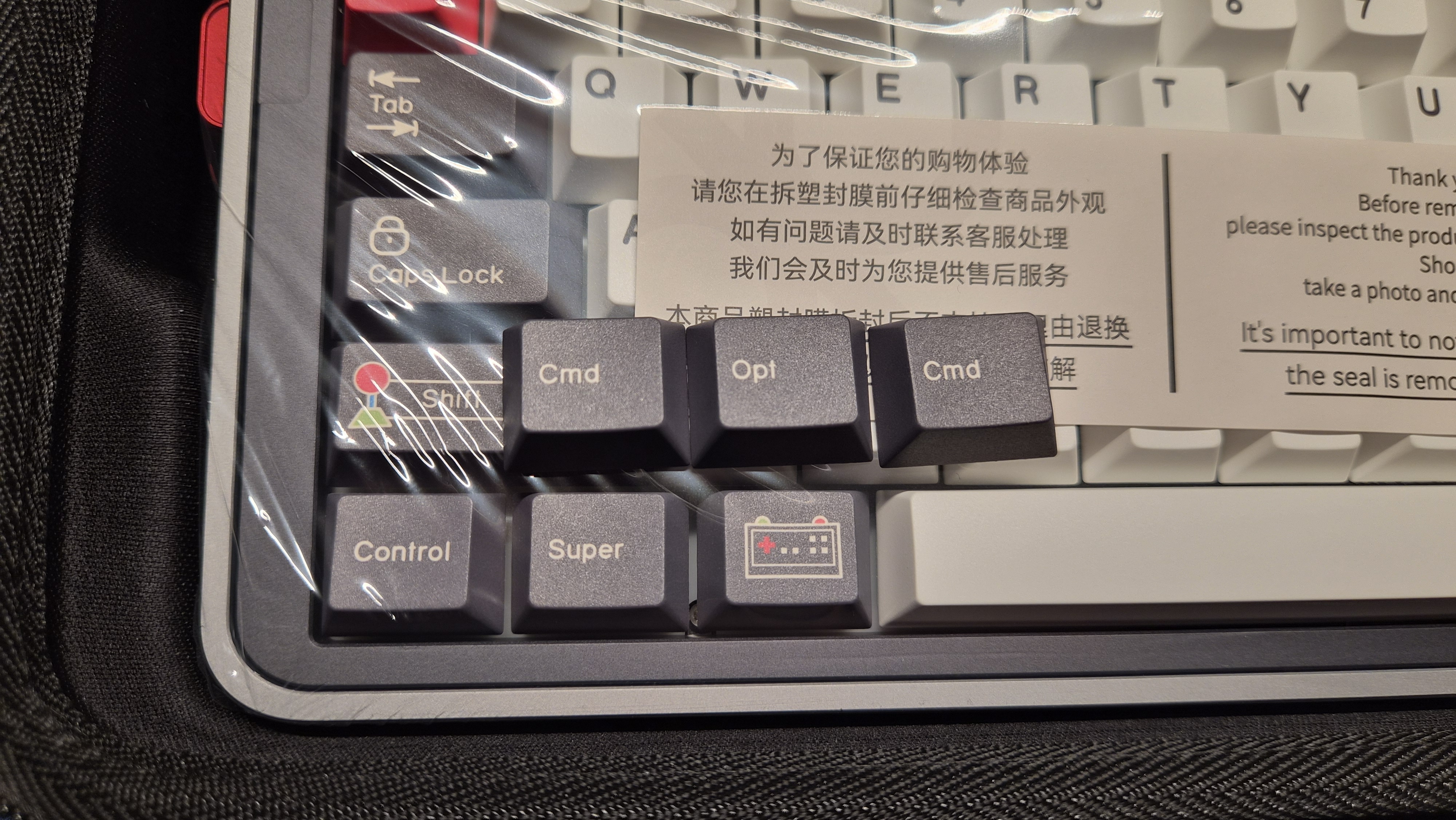
Cmd and Opt keycaps are included separately.🧰 05. Independently Packaged Tools & Accessories
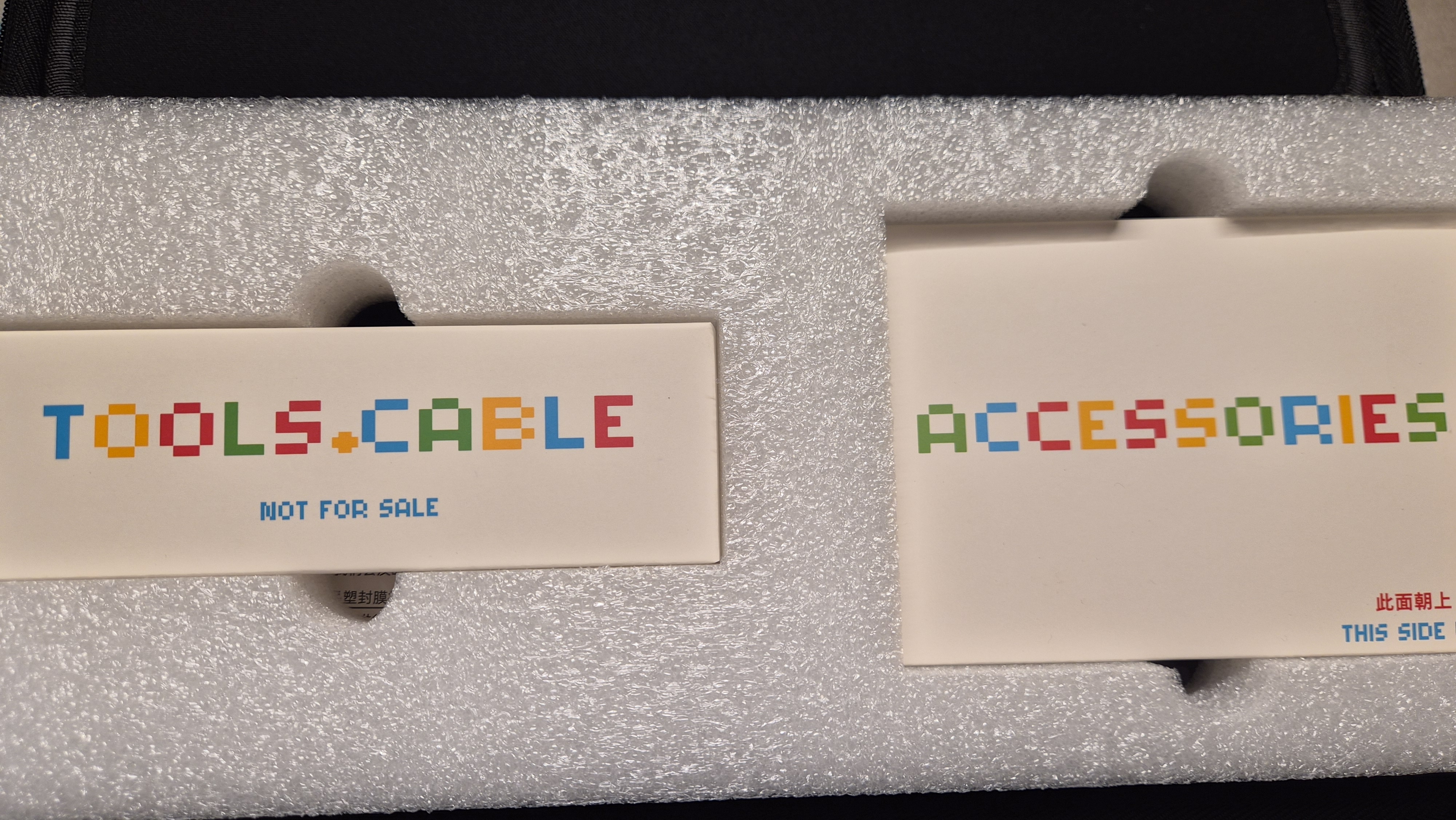
TOOLS + CABLE and ACCESSORIES boxes.🛠️ 06. Accessory Box Contents Detail
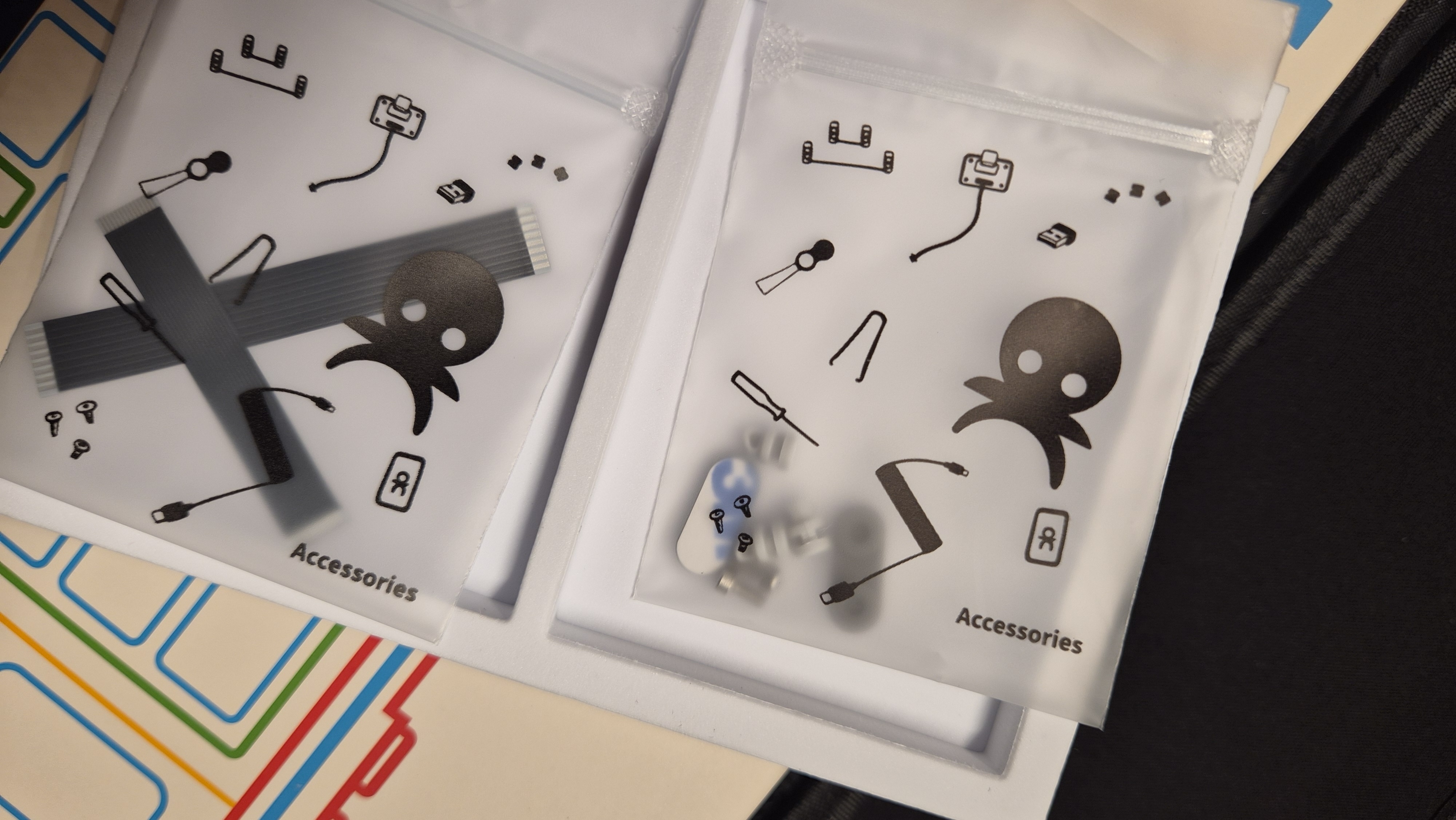
🔌 07. Metal Puller & Type-C Cable
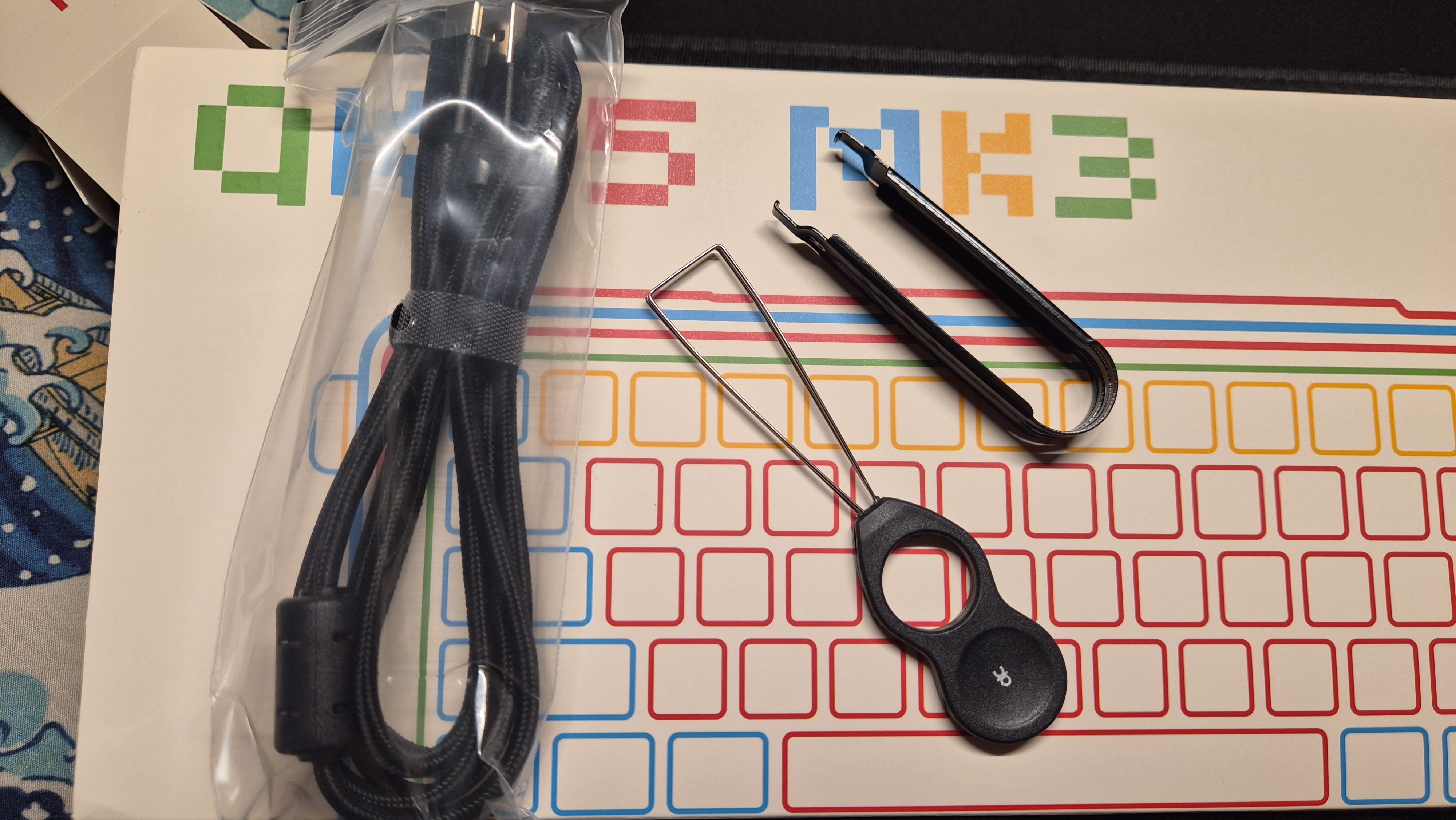
📦 08. Sealed Keyboard Body in Wrap
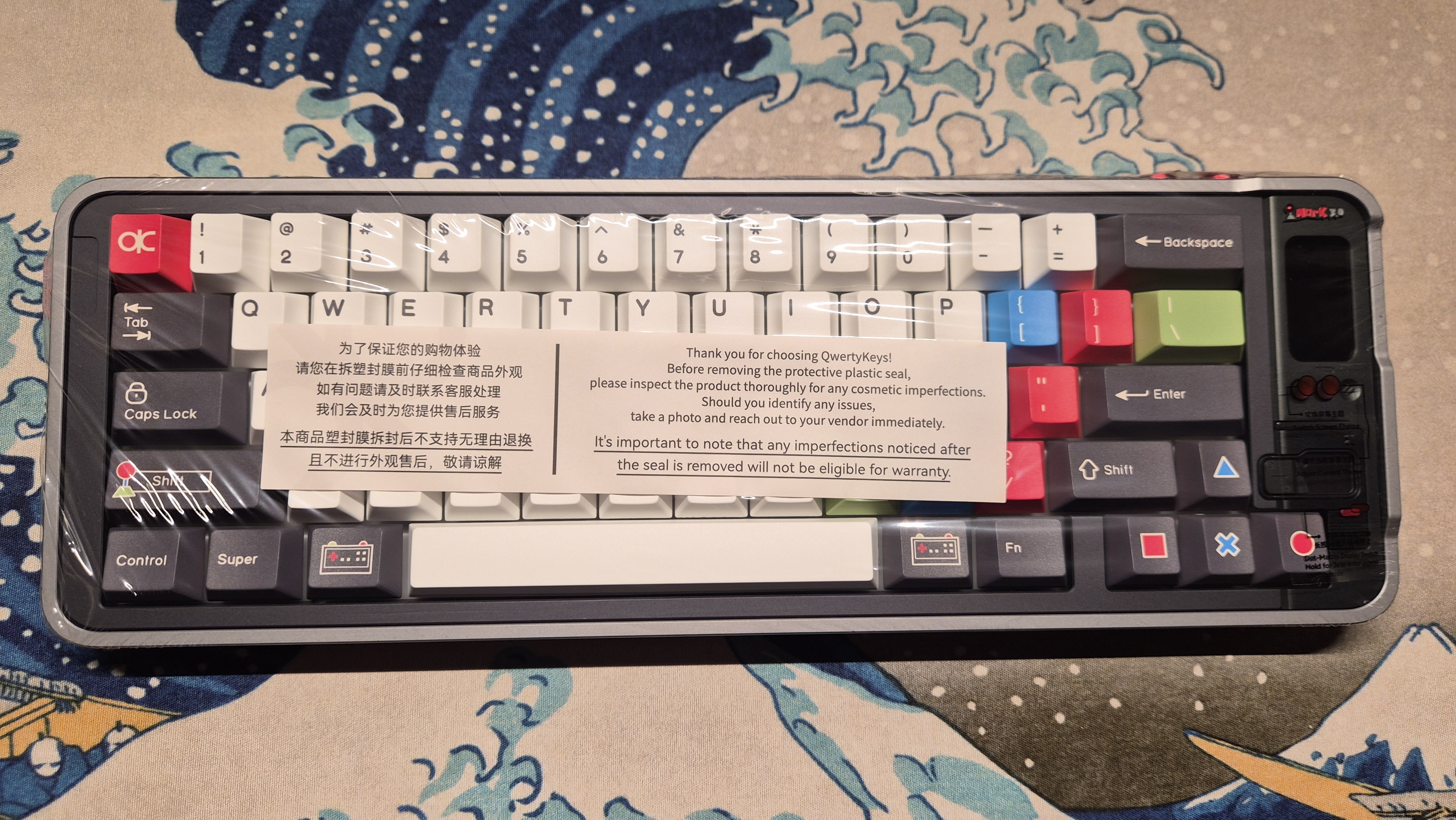
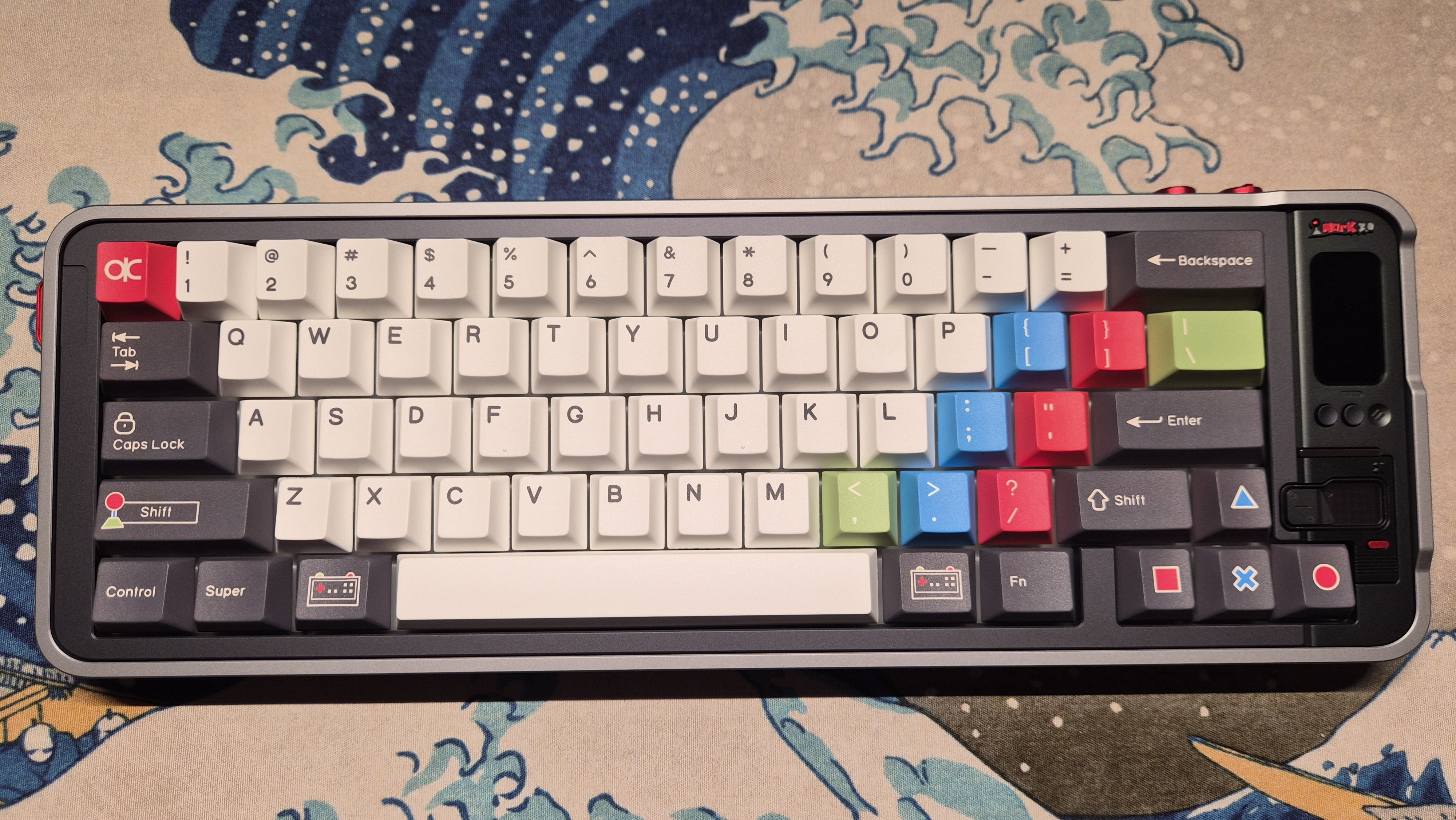
✨ 09. QK65 Mk3 Unwrapped Front View
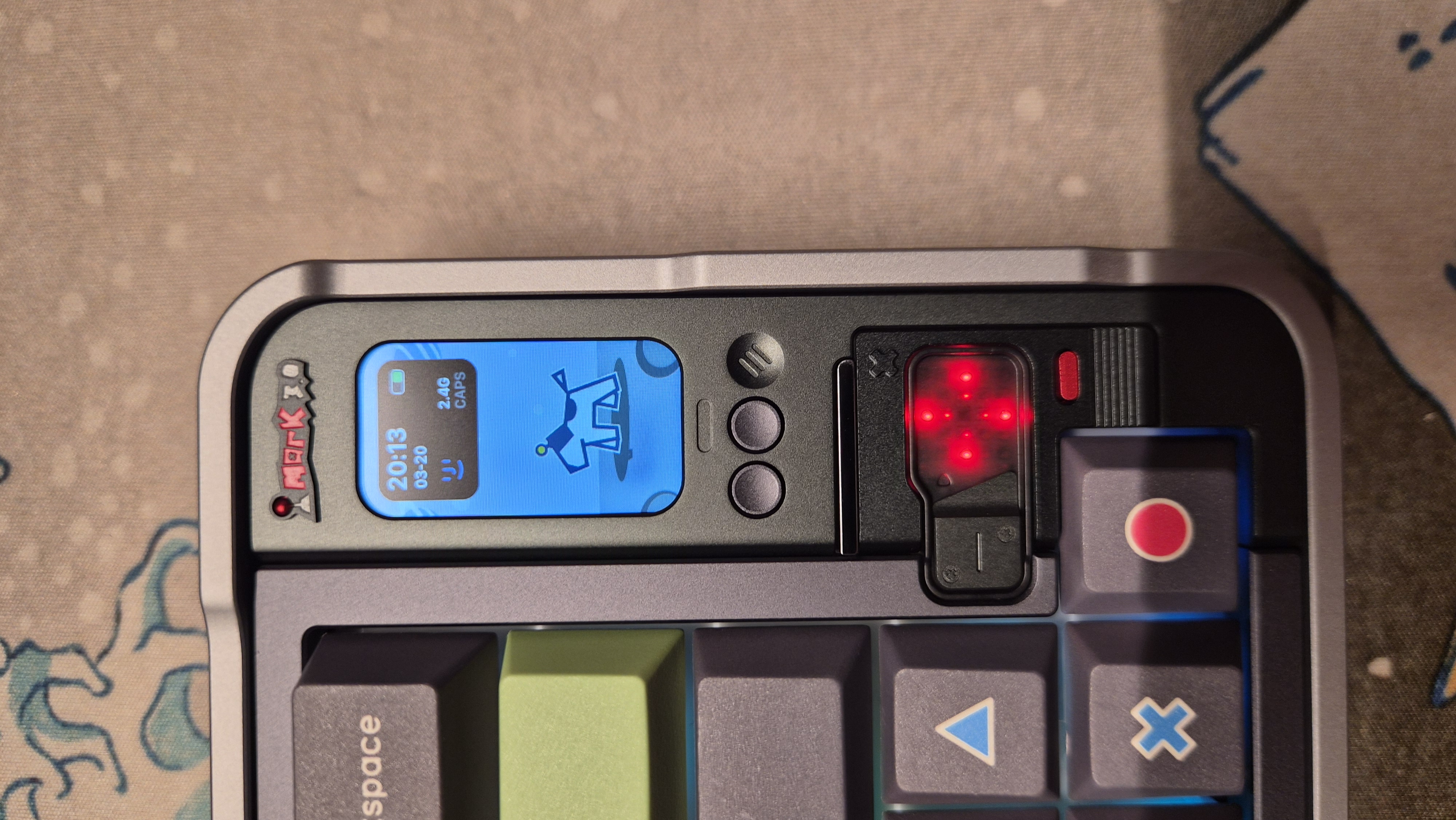
🖥️ 10. Power On! Vivid Smart Screen Clock
🕹️ 11. Dual Control Knob Angle
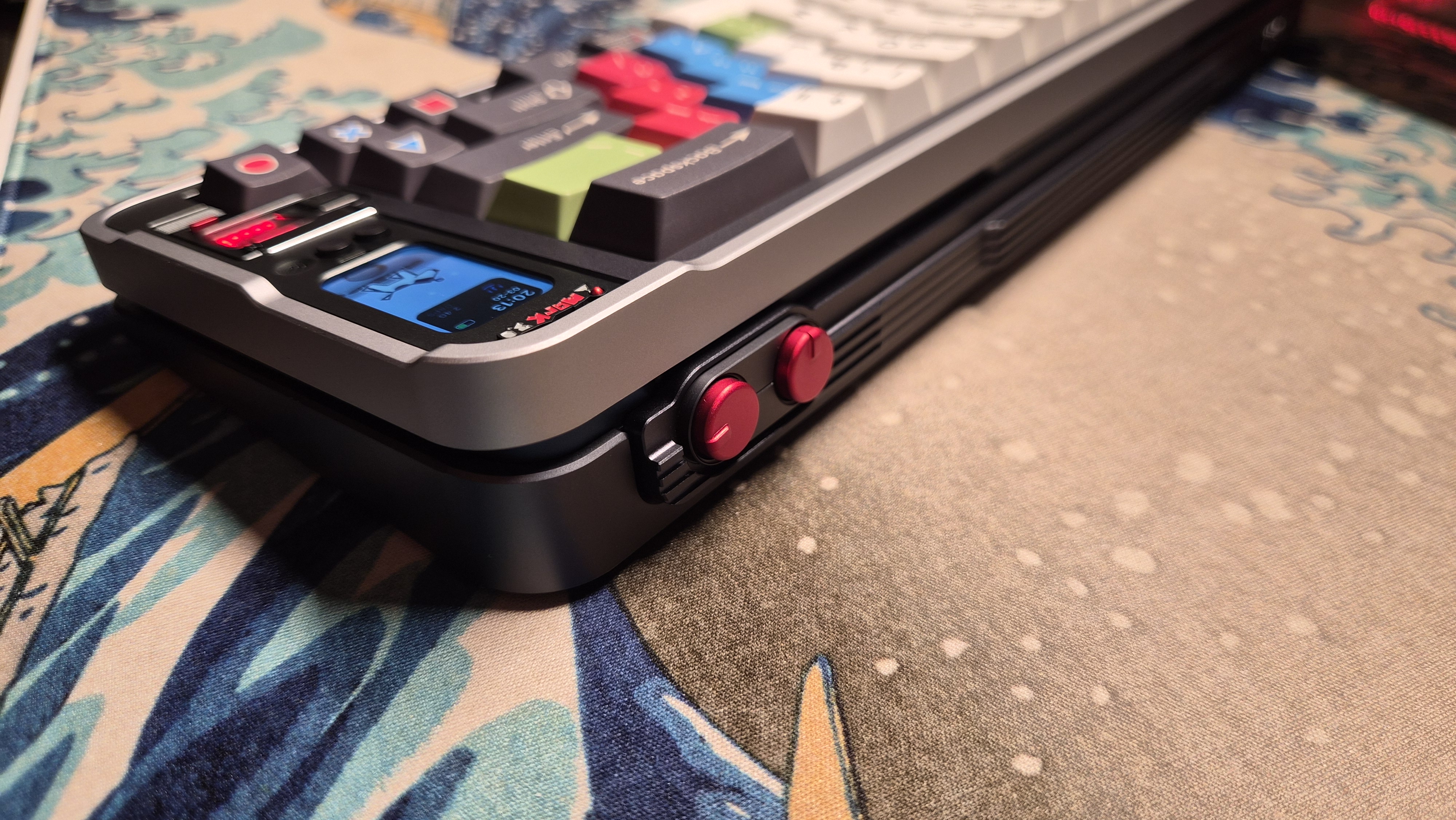
🔴 12. Red Crosshair LED & Side Profile
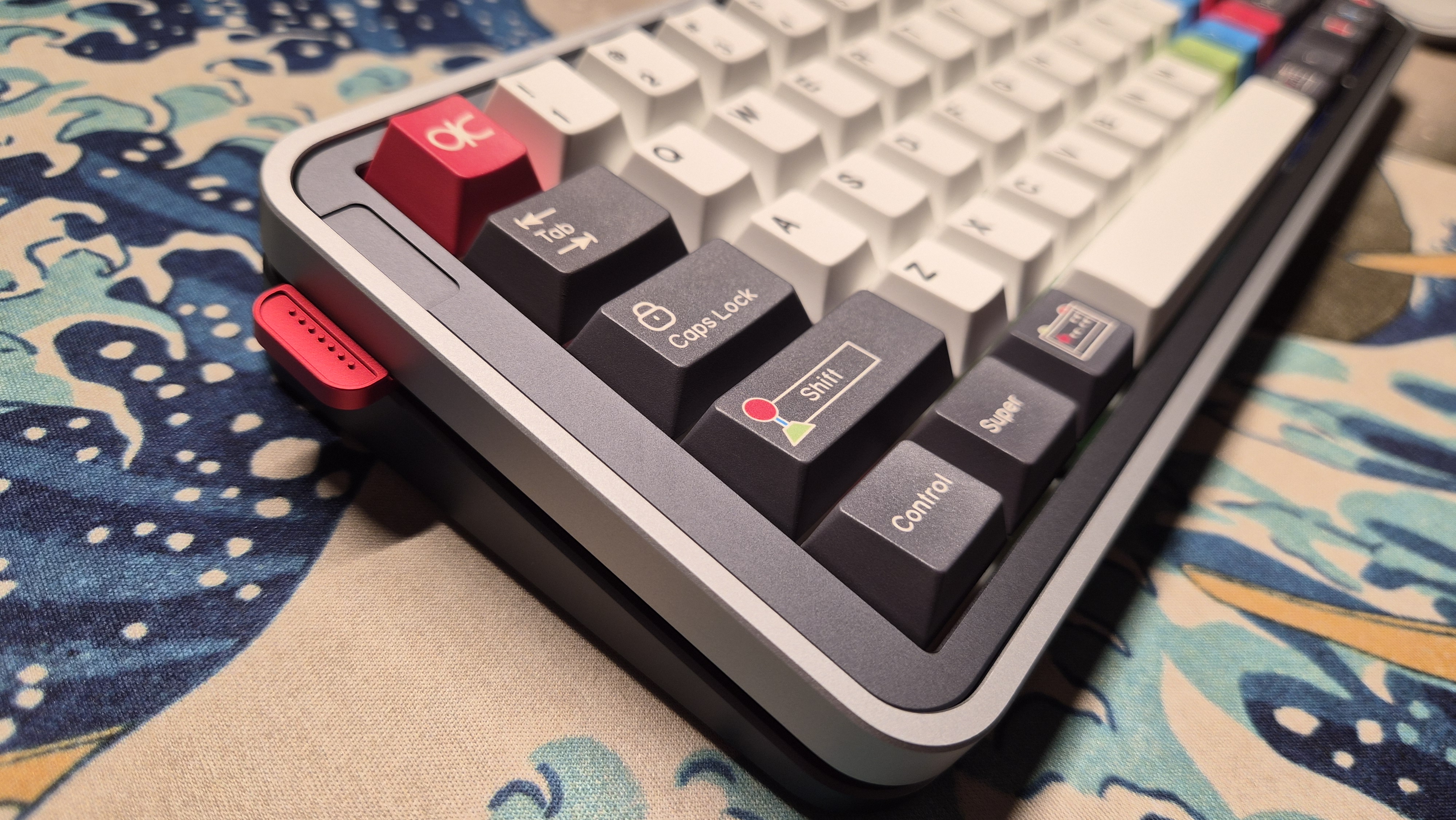
🎮 13. Retro Arcade Keycaps Close-Up
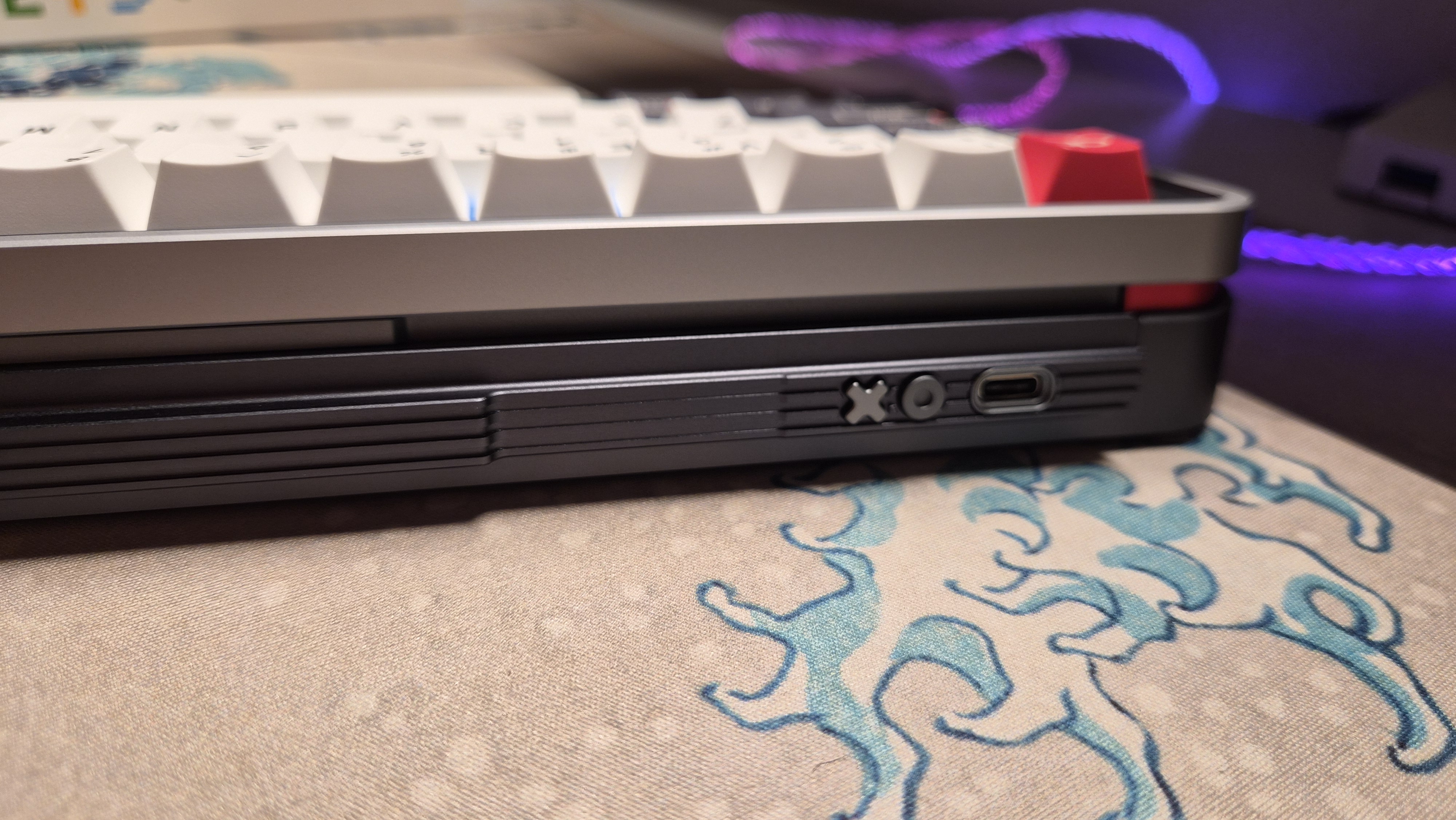
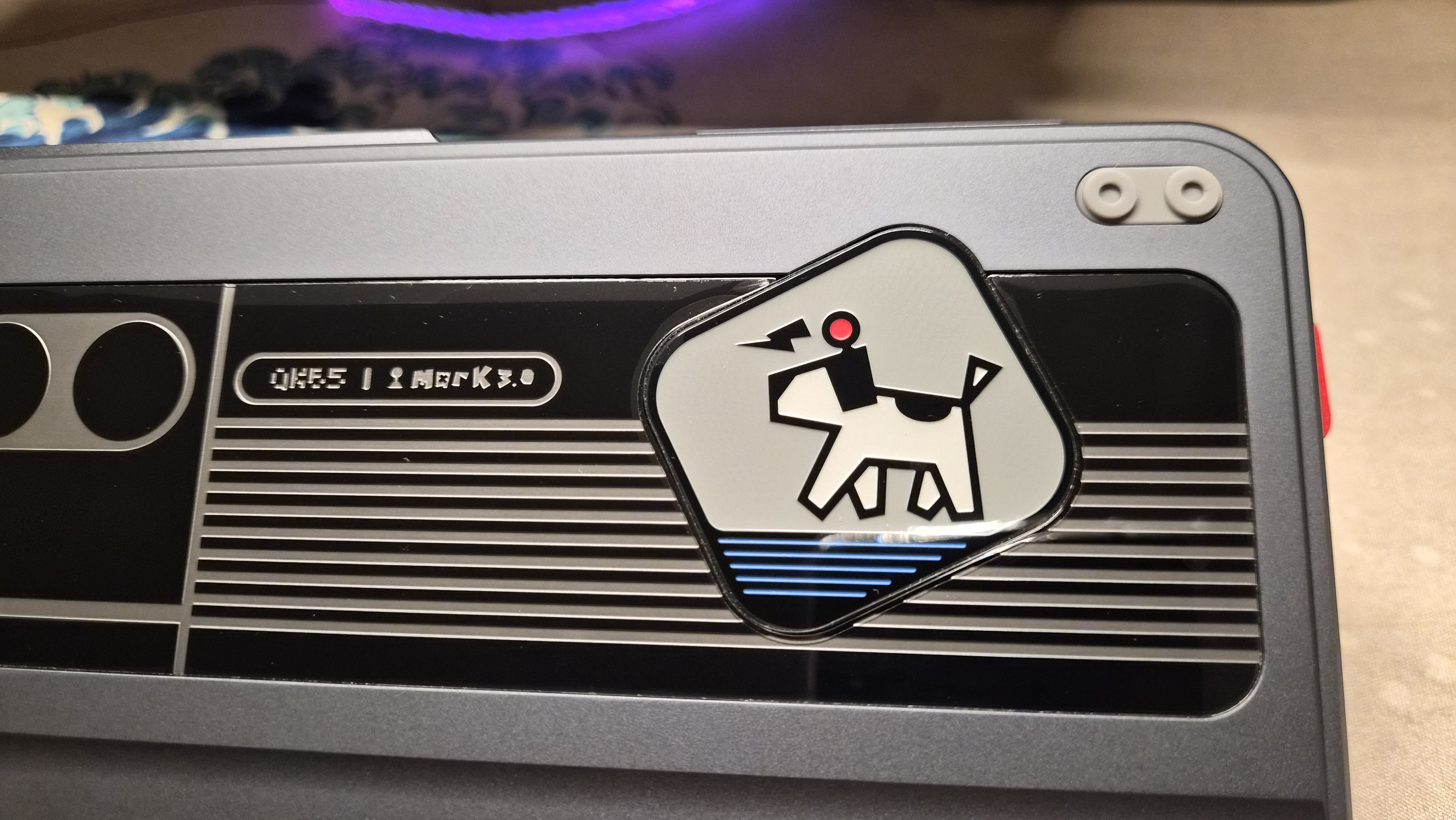
🛡️ 14. Bottom Housing & Premium Weight Plate
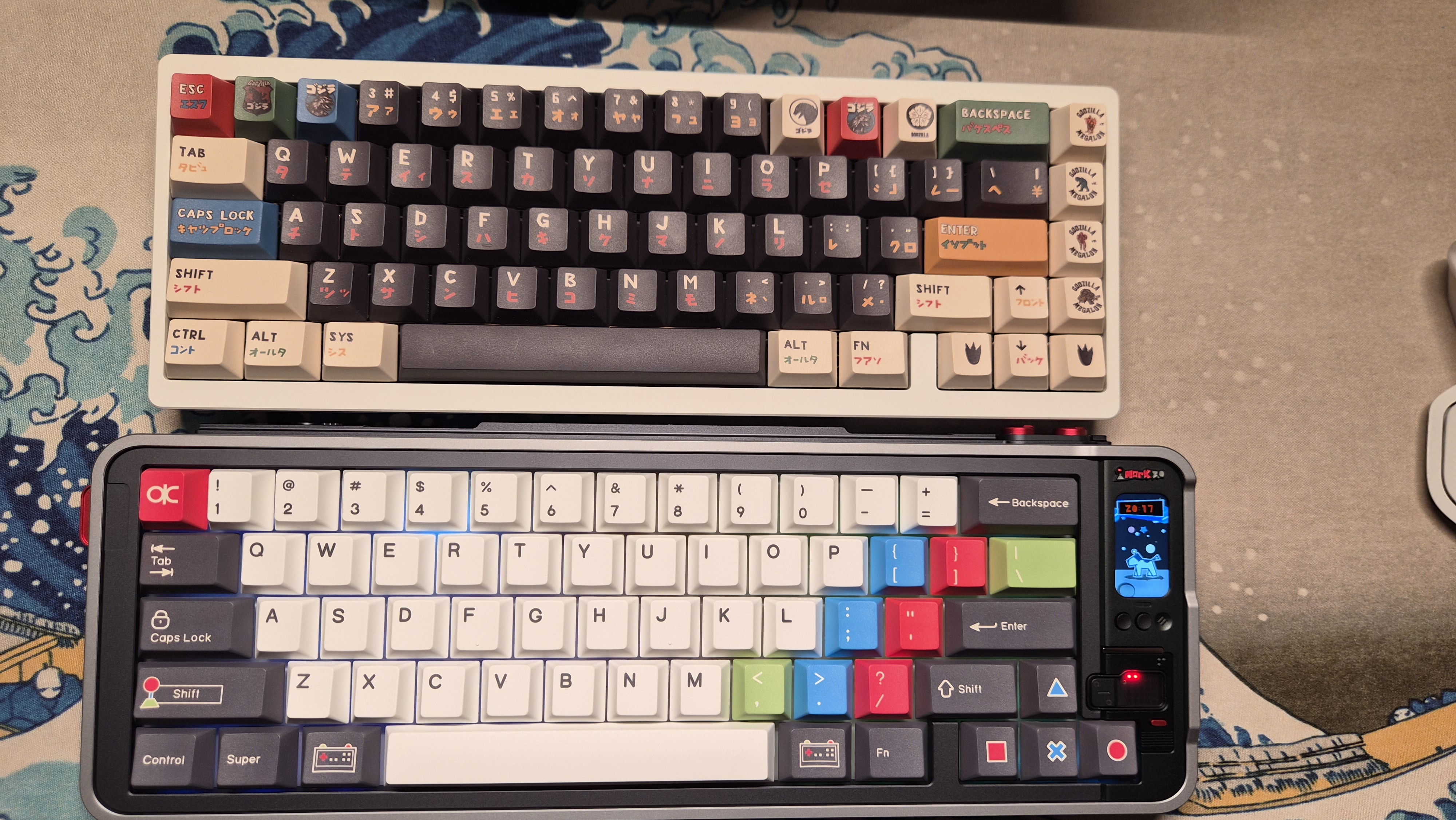
🦖 15. Desk Setup Pairing with Godzilla Keyboard
2. ⚙️ QK65 Mk3 Key Features & Web Config Summary
Beyond being a premium 65% custom mechanical keyboard, the QK65 Mk3 excels in daily convenience with its smart display, dual control knobs, and zero-installation WebHID Configurator.
- Physical Knobs & Smart Display: Turn the physical knob to toggle Windows/Mac layouts and Wired/2.4G/Bluetooth tri-mode connections with real-time clock and battery status.
- Web Configurator (cfg.qwertykeys.com): Sync your Mac/PC system clock instantly with a single click in Chrome without downloading any app.
- 172 x 320 px Custom GIF Uploads: Transfer pixel art animations or videos matching the 172x320 screen resolution directly onto your keyboard display.
📖 Need the complete QK65 Mk3 guide & full Fn shortcut list?
The complete Fn shortcut table, 3-mode pairing steps, 172x320 GIF upload tips, debounce/SOCD gaming options, and factory reset instructions are available in our user guide page!
👉 [📖 QK65 Mk3 User Guide & Manual Summary]
3. 🎯 Final Verdict (Outro)
The QK65 Mk3 delivers an exceptional custom mechanical keyboard experience—combining retro arcade aesthetic keycaps, solid housing quality, a bright display clock, and tactile dual knobs.
With a single click of the Time Sync button on cfg.qwertykeys.com and a quick 5ms debounce tweak, it delivers ultimate satisfaction for both work and gaming setups! ⌨️✨